Headroom
Your music,
on instruments.
An offline player for the MP3 and FLAC files you own. VU needles with real physics, a CRT you tilt to look into, and a crate of records you flip through with your thumb.
- 6Visualizations
- 24-bitFLAC, offline
- 120 HzMeters on ProMotion
- 0Trackers
- 3,99 €Once, no subscription
Inside the app
A deck for your music, not another player.
Built for people who still own their music files and miss hi-fi gear. Every board reacts to the audio you hear right now, latency-corrected even over Bluetooth.
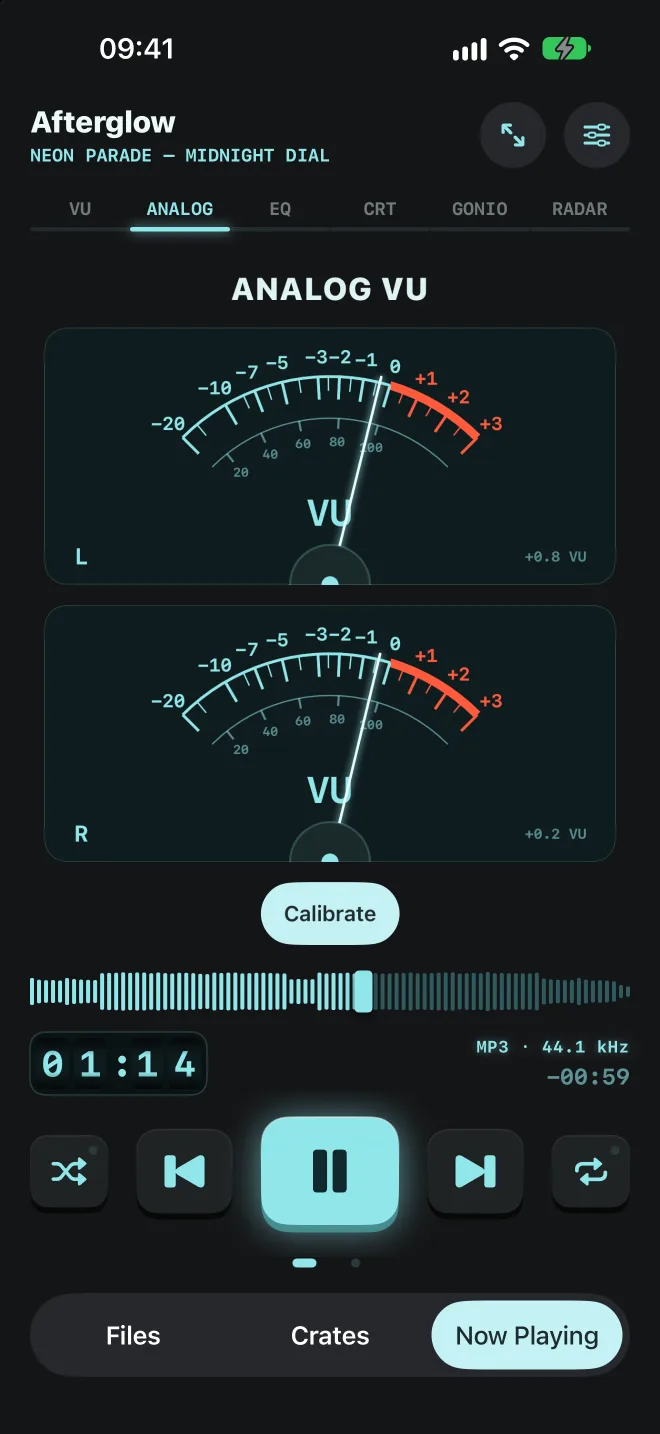
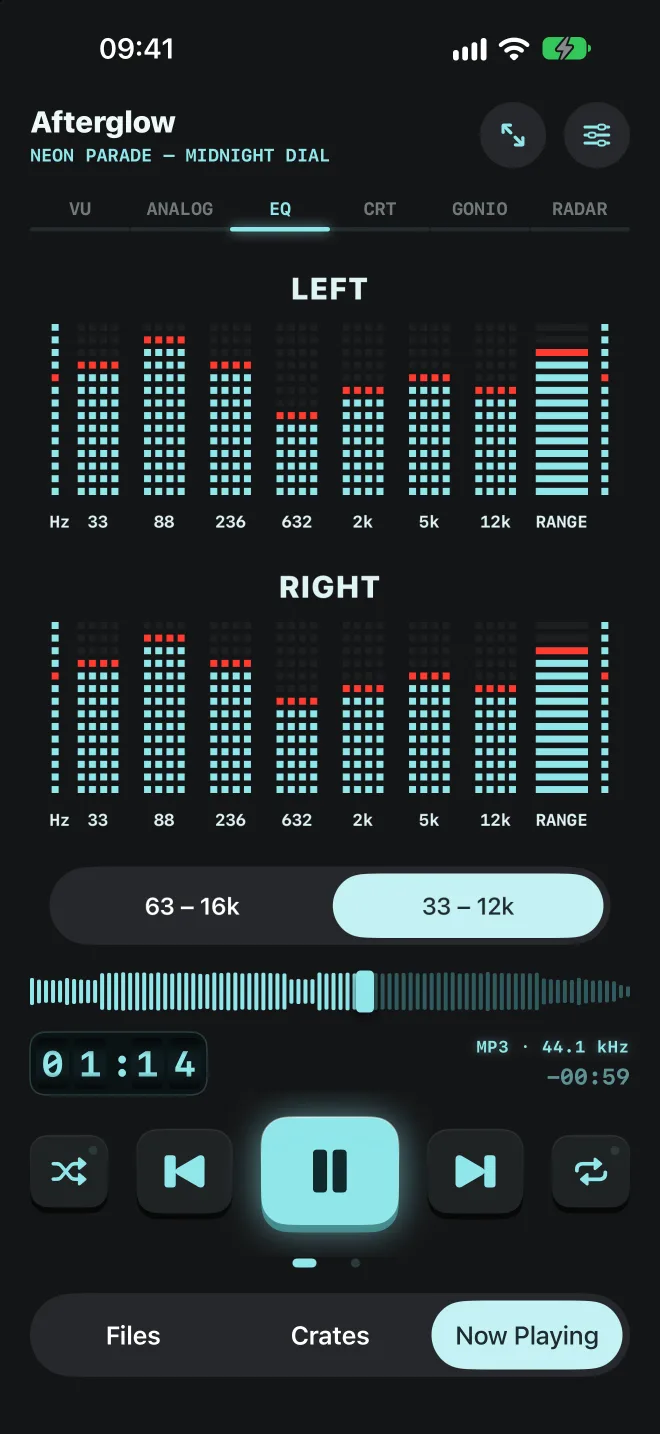
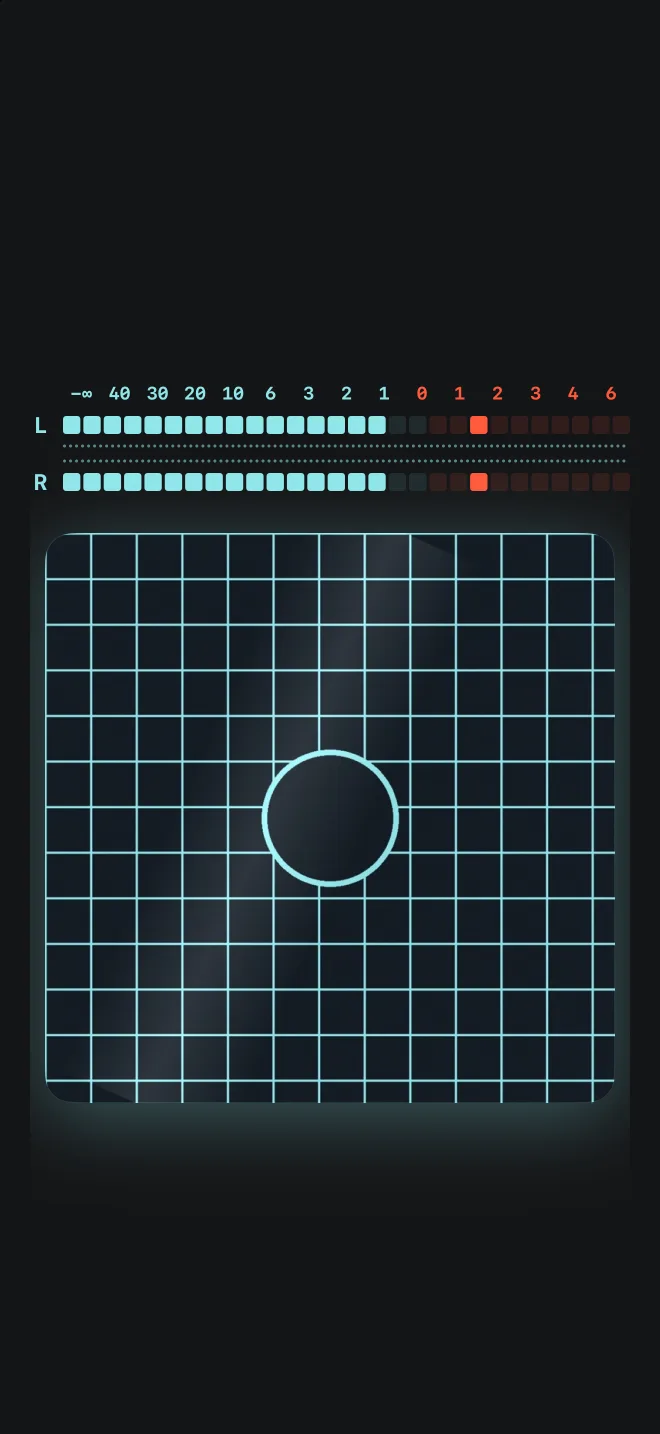
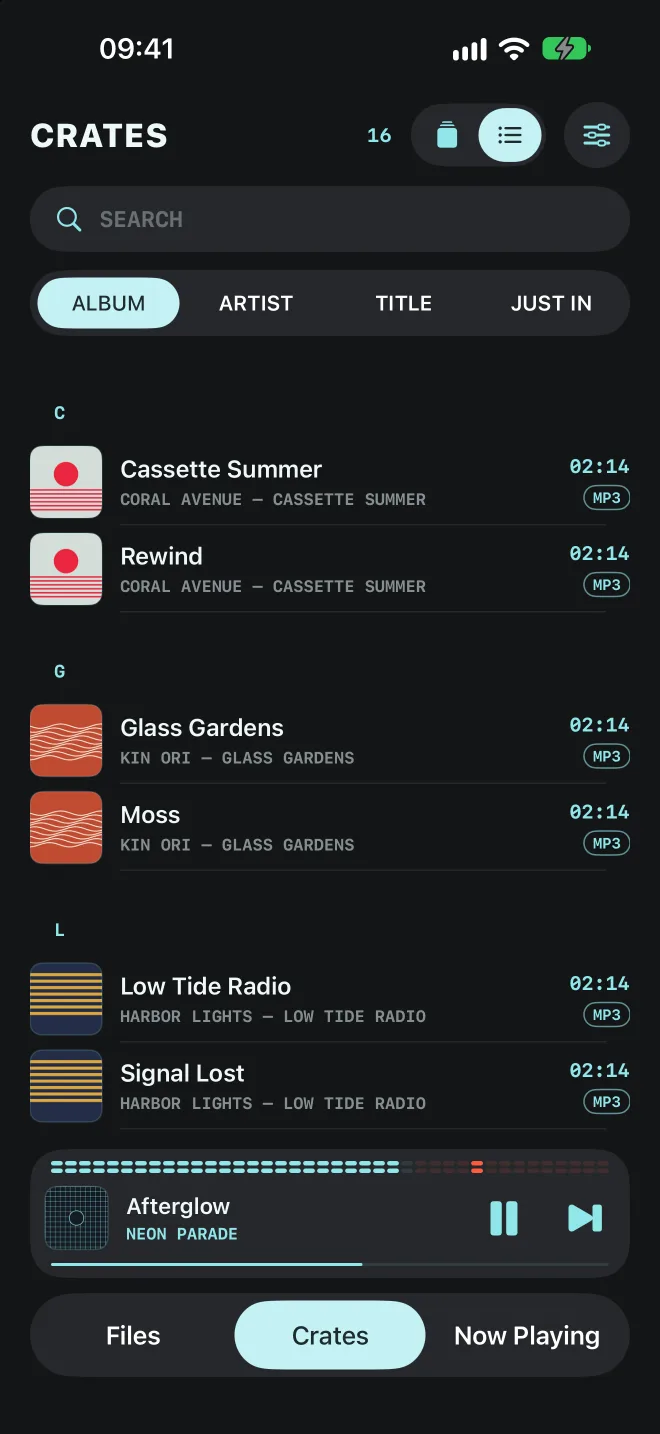
Six boards
Six ways to watch your music.
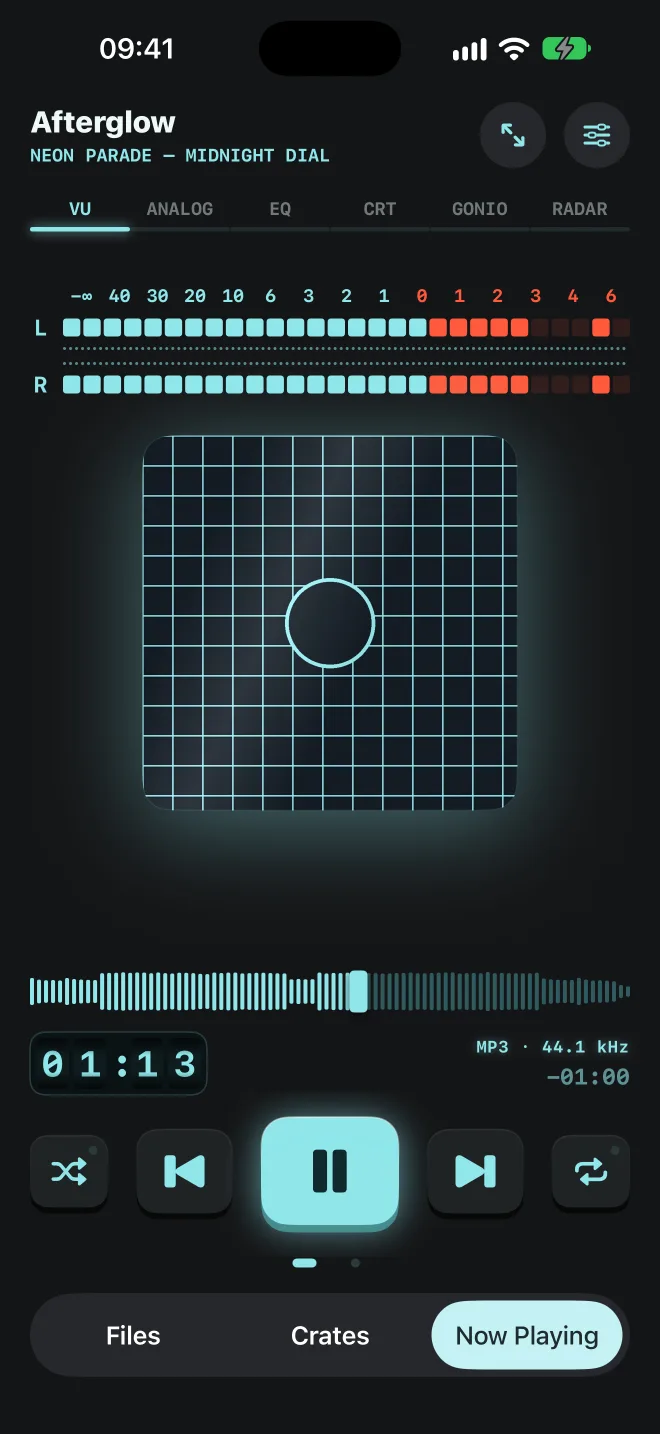
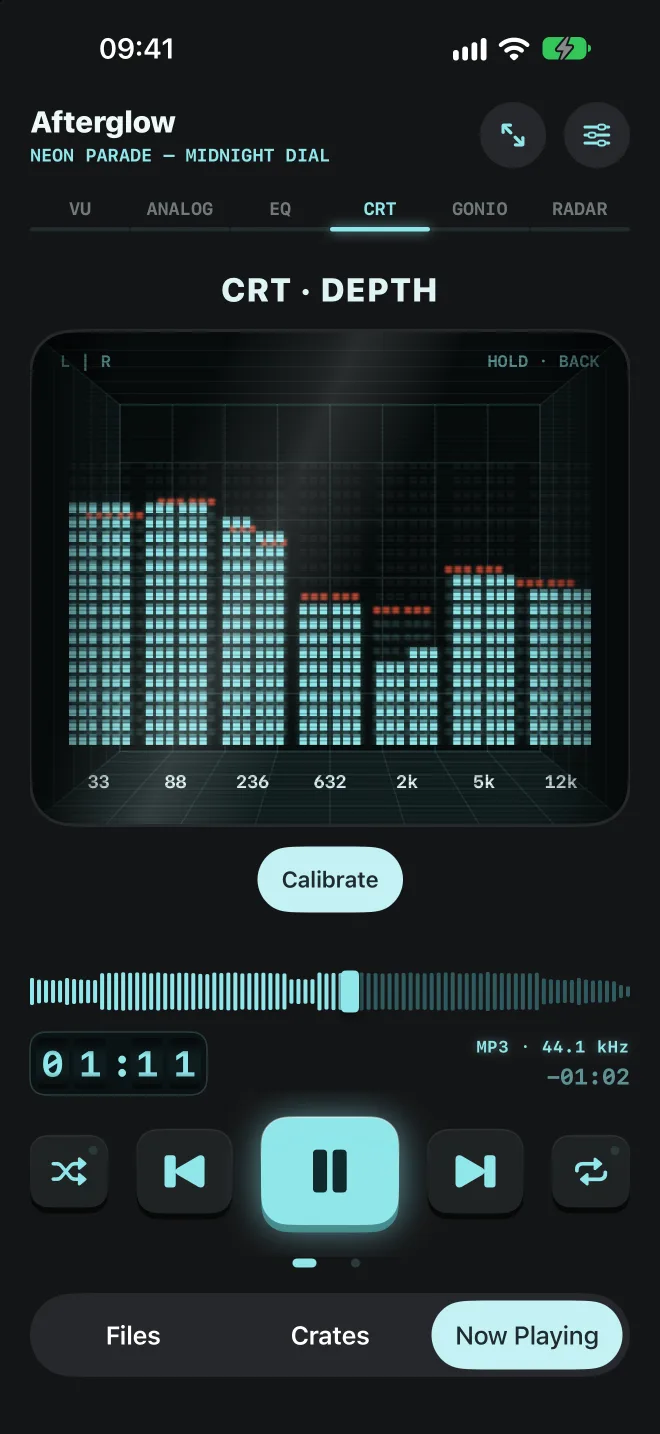
Swipe between them, or tap a board for focus mode: the controls slide away and the visualization gets the whole screen.
| Board | What it shows | Sensors |
|---|---|---|
| VU | Stereo segment meter with floating cover art | Tilt moves the cover and the glare |
| Analog | Two VU needles, simulated as spring and damper systems | Gravity pulls the needles, shaking makes them bounce |
| EQ | Left and right dot-matrix spectrum, 7 bands plus range, peak hold | None |
| CRT | The spectrum inside a CRT tube behind glass, peak hold floating further back | Tilt shifts your view into the tube |
| Gonio | Stereo vectorscope with phosphor trail, correlation and width | None |
| Radar | Frequency bands placed on a stage by their stereo position | AirPods head tracking rotates the stage |
Crates
Remember digging for records?
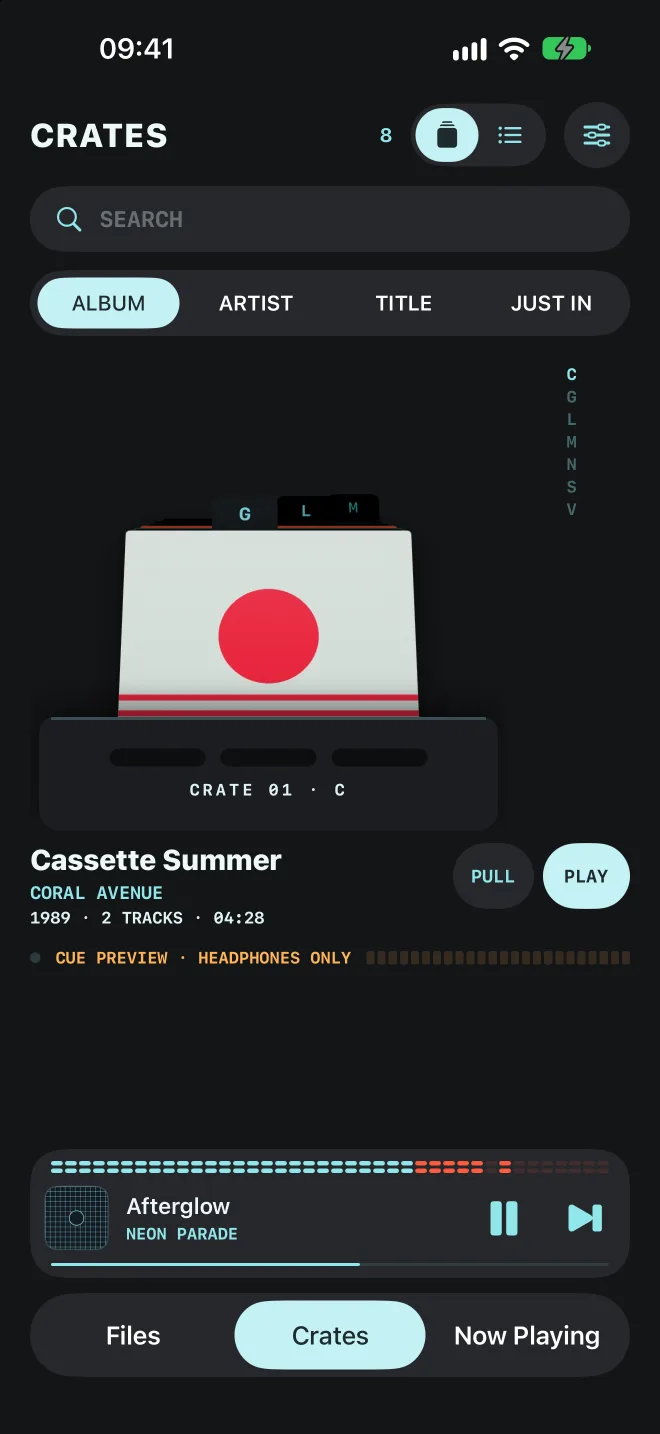
Your library stands as a crate of sleeves. Swipe to flip, flick to riffle, tap a sleeve to pull it out and see the vinyl. Sort by album, artist or what just came in, with dividers and an index to jump.
- Needle drop: with headphones in, rest on a record and its hook plays in your left ear while your song keeps playing in the right, like the cue on a DJ mixer
- Sorted by artist, each artist is one sleeve: play the albums in order or pull one out
- Prefer lists? One tap switches to a plain track list with search
The deck
Keys with travel. Needles with weight.
Chunky transport keys with haptics, a waveform scrub bar with fine scrubbing, a rolling tape counter and a volume knob that follows your iPhone's buttons.
- Meters calibrate to each track's loudness, so loud masters and quiet recordings both swing around 0 VU
- Frame-rate independent ballistics: the needles behave the same at 60 and 120 fps
- Motion sensors only run while a visible board uses them
Your files
No streaming. No subscription.
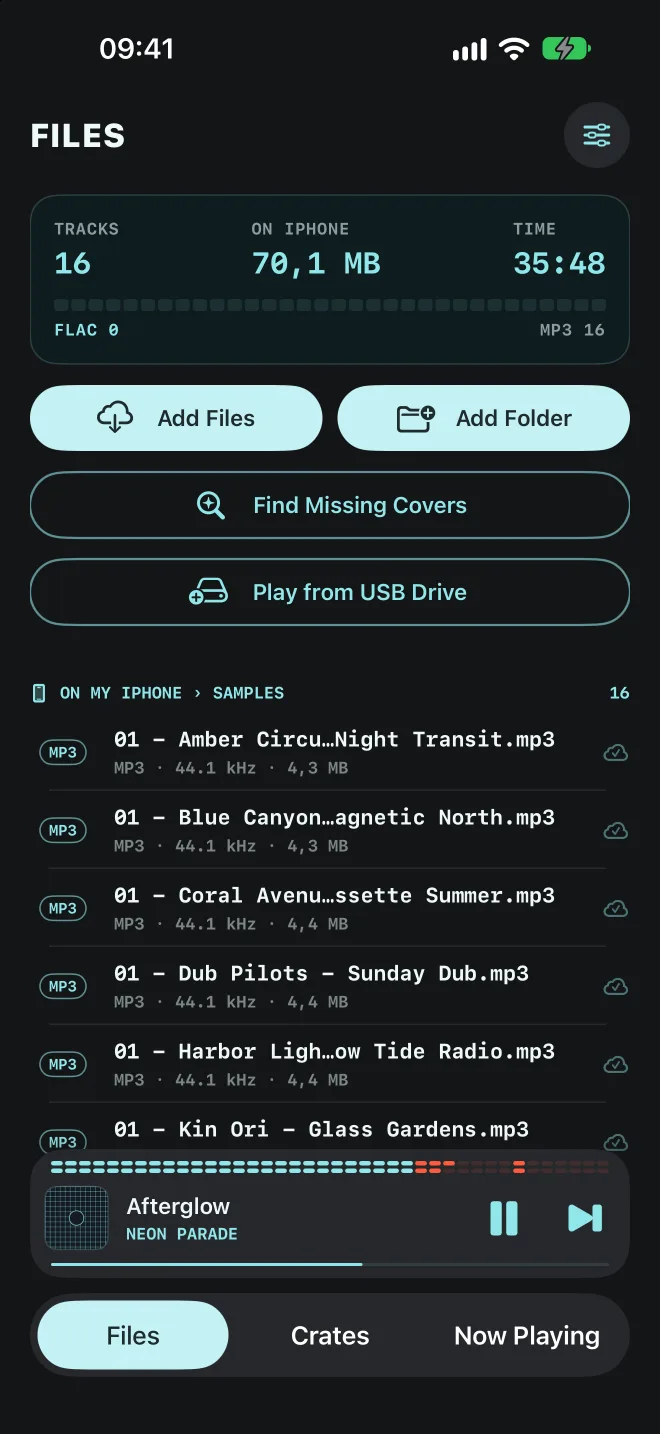
Headroom plays the music you own. Import files or whole folders from iCloud Drive or any Files location; they are copied to your iPhone and always play offline.
- MP3 and FLAC, including 24-bit hi-res, decoded natively
- Play straight from a USB-C drive without copying. Headroom never changes files on it
- Tags and covers from ID3 and FLAC, plus an optional lookup that recognizes a track by its sound. You review every change first
- Background playback, lock screen, Control Center, AirPlay and Bluetooth
Private by design
Your music never leaves your iPhone.
Headroom only goes online when you ask it to look up a track, and then only to Apple. Read the privacy policy
- No accountOpen the app and play.
- No ads3,99 € once, nothing to upsell.
- No analyticsThe developer receives nothing.
- No trackingMotion data is never stored.
FAQ
Questions, answered.
What do I need?
An iPhone with iOS 27 or later. The tilt effects need a real iPhone; the Radar board's head tracking works with AirPods Pro, AirPods Max and AirPods (3rd generation) or later.
Which formats does it play?
MP3 and FLAC, including 24-bit hi-res FLAC. Decoding is Apple's own (AVFoundation), and the audio passes through untouched.
Does it work with Apple Music or Spotify?
No. Headroom plays files you own, so streaming services and DRM-protected tracks are not supported. That is what keeps it offline and private.
I only stream. Where do I get MP3s?
Rip your CDs on a Mac. Plug in a USB CD drive and open the Music app. Under Settings › Files › Import Settings, choose MP3 Encoder with Custom › 320 kbps (the default AAC does not play in Headroom). Insert a CD and click Import CD. Then right-click the album, choose Show in Finder, drag the folder into iCloud Drive and add it in Headroom. For lossless FLAC, the free XLD rips CDs the same way. Buy downloads. Bandcamp sells most albums as MP3 or FLAC, and the money goes straight to the artist. Find free music. The Internet Archive has thousands of legal live recordings.
How do I get my music in?
Import files or folders from iCloud Drive or any Files provider, drop files into On My iPhone › Headroom in the Files app, or plug in a USB-C drive and play straight from it.
Will it change my files?
Never. Corrected tags and covers are stored in the app's library; the audio files themselves stay as they are, on the iPhone and on USB drives.
I have no music files yet. Can I try it?
Yes. Tap "Try a Demo Track" on the start screen: a short deep house track that ships with the app opens on the visualizations.
Support
Something not working?
Headroom is made by one person, and I read every message. Tell me your iPhone model, iOS version and what happened, and I will get back to you.
Put your music on instruments.
3,99 € once. No account, no ads, no tracking.